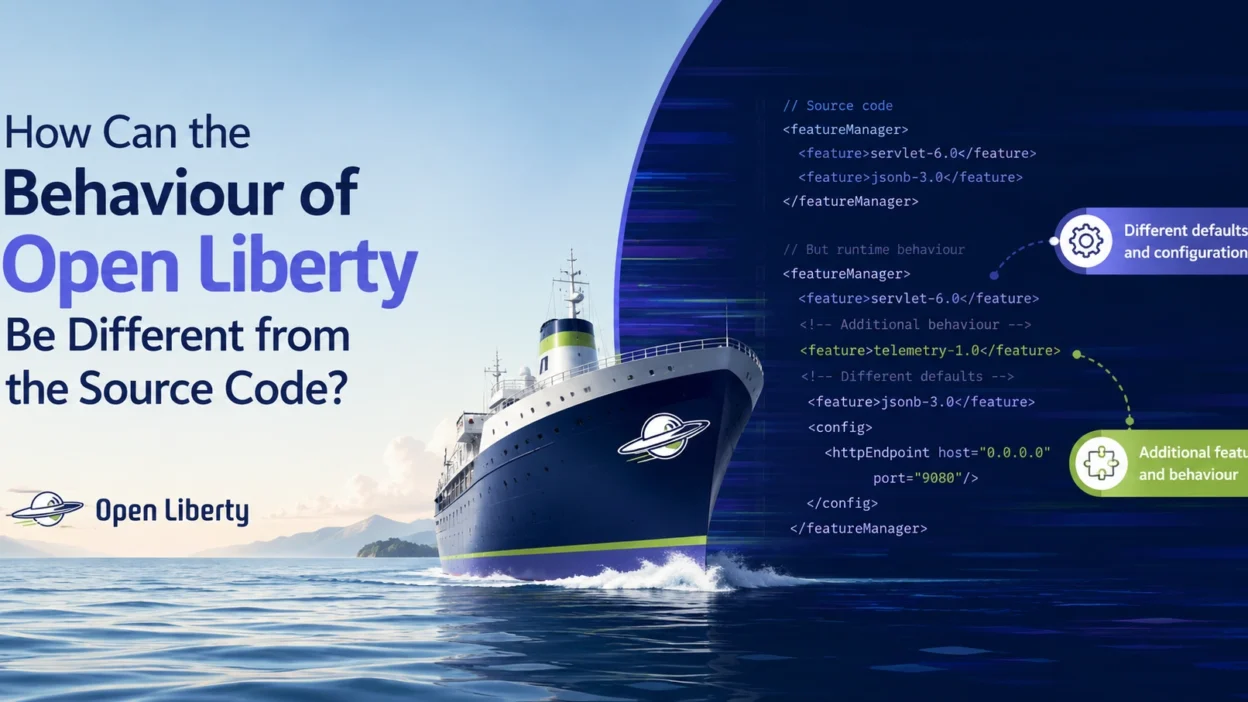
When working with Open Liberty applications, developers occasionally encounter situations where the application’s runtime behavior does not match what they see in the source code. This can be confusing, especially when code changes appear correct but the server continues behaving unexpectedly.
In this article, we’ll explore the most common reasons why Open Liberty’s behavior may differ from the source code and how to diagnose the issue.
Visit: BMI Calculator for Women
Understanding the Problem
Imagine you’ve modified a REST endpoint:
@Path("/hello")
public class HelloResource {

    @GET
    public String hello() {
        return "Updated Response";
    }
}
After rebuilding and restarting the application, Open Liberty still returns:
Old Response
At first glance, it may seem like Open Liberty is ignoring the source code.
However, the cause is usually elsewhere.
Common Causes
1. Stale Build Artifacts
One of the most frequent causes is outdated compiled classes.
Even though the source code has changed, the server may still be running an older version of the application package.
Verify that:
- The project has been rebuilt.
- The latest WAR or EAR file was deployed.
- Build caches have been cleared if necessary.
For Maven projects:
mvn clean package
This ensures old artifacts are removed before rebuilding.
2. Hot Reload Synchronization Issues
Open Liberty supports development mode and hot deployment.
Sometimes the runtime may not immediately detect:
- Class changes
- Resource updates
- Configuration modifications
Restarting the development server can help:
mvn liberty:stop
mvn liberty:start
or
mvn liberty:dev
depending on your workflow.
3. Multiple Deployment Versions
In larger environments, multiple application versions may exist.
For example:
app-v1.war
app-v2.war
app-test.war
The server may be executing a different deployment than expected.
Check:
- Server deployment directories
- Docker containers
- Kubernetes pods
- CI/CD deployment targets
to ensure the correct artifact is running.
4. Configuration Overrides
Open Liberty behavior is often controlled through configuration files.
Example:
<variable name="featureFlag" value="false"/>
Even if source code expects a feature to be enabled, configuration values may override application behavior.
Review:
server.xml
bootstrap.properties
jvm.options
and environment variables.
5. Cached Resources
Browsers, proxies, and application caches can sometimes create the illusion that source code changes are not taking effect.
Examples include:
- HTTP caching
- Static asset caching
- Application-level caches
- Reverse proxy caching
Try:
- Clearing browser cache
- Using an incognito window
- Restarting the server
- Invalidating application caches
6. Environment-Specific Code Paths
Many applications behave differently depending on:
if (isProduction()) {
    // Production logic
} else {
    // Development logic
}
The code you’re inspecting may not be the code path currently executing.
Verify:
- Environment variables
- Active profiles
- Runtime configuration
to confirm which branch is actually being used.
7. Dependency Version Differences
A common issue occurs when the source code references one library version while the deployed application contains another.
For example:
<dependency>
    <groupId>example</groupId>
    <artifactId>library</artifactId>
    <version>2.0</version>
</dependency>
But the deployed artifact may still contain version 1.0.
Inspect:
mvn dependency:tree
to verify resolved dependencies.
8. Container and Cloud Deployments
When running Open Liberty inside Docker or Kubernetes, developers sometimes update source code without rebuilding the container image.
Example workflow mistake:
Edit source code
↓
Restart container
Instead, the correct process is:
Edit source code
↓
Rebuild application
↓
Rebuild image
↓
Redeploy container
Otherwise, the running container continues using older code.
Debugging Checklist
When Open Liberty behavior doesn’t match the source code, verify the following:
- Rebuild the application.
- Confirm the latest artifact is deployed.
- Check server logs.
- Verify active configuration values.
- Inspect environment variables.
- Confirm dependency versions.
- Clear caches.
- Ensure containers were rebuilt and redeployed.
In most cases, one of these factors explains the discrepancy.
Best Practice
To avoid confusion:
- Use automated CI/CD pipelines.
- Enable detailed logging during development.
- Keep dependencies consistent.
- Deploy versioned artifacts.
- Regularly perform clean builds.
These practices make it easier to determine whether unexpected behavior originates from the source code, deployment process, configuration, or runtime environment.
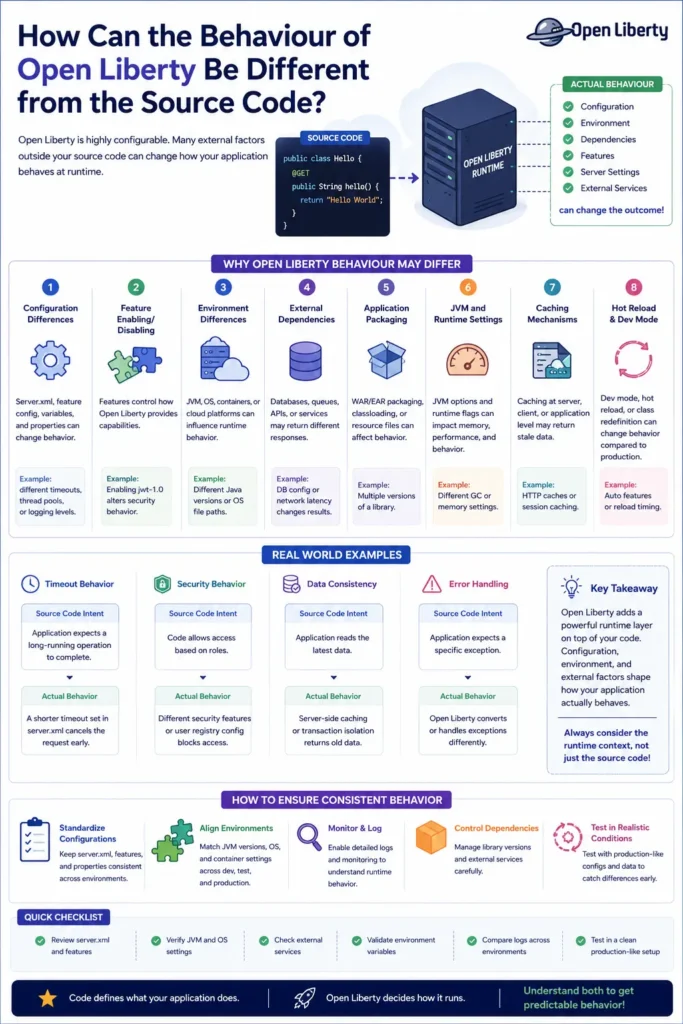
Infographic
Conclusion
When Open Liberty behaves differently from the source code, the issue is rarely caused by the server itself. Most discrepancies result from stale builds, configuration overrides, caching, dependency mismatches, or deployment problems. By systematically checking these areas, developers can quickly identify the root cause and ensure that runtime behavior matches the intended application logic.