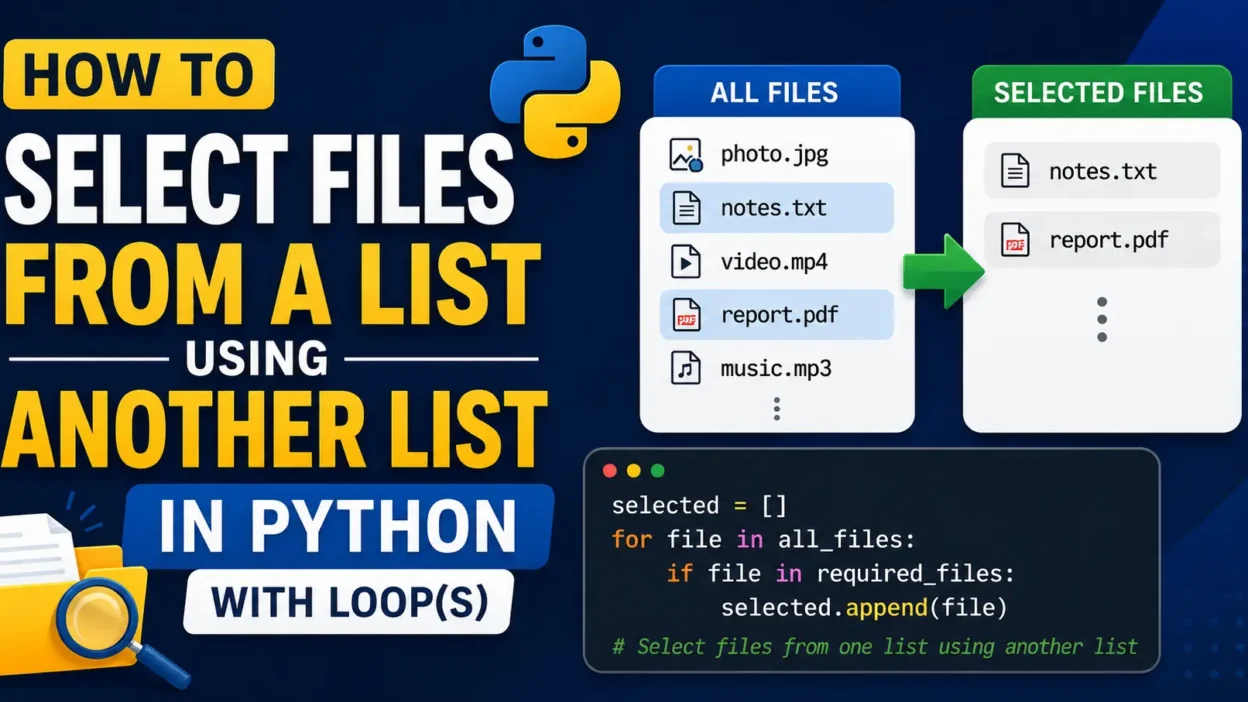
When working with Python, you may often need to filter or select files from one list based on another list. This is useful in automation, file management, data processing, and many scripting tasks.
In this tutorial, we’ll learn how to select files from a list using another list in Python with loops.
Example Scenario
Suppose you have a list of all files:
all_files = [
    "photo.jpg",
    "notes.txt",
    "video.mp4",
    "report.pdf",
    "music.mp3"
]
And another list containing the files you want:
required_files = [
    "notes.txt",
    "report.pdf"
]
Now you want to create a new list containing only the matching files.
Method 1: Using a Simple For Loop
all_files = [
    "photo.jpg",
    "notes.txt",
    "video.mp4",
    "report.pdf",
    "music.mp3"
]

required_files = [
    "notes.txt",
    "report.pdf"
]

selected_files = []

for file in all_files:
    if file in required_files:
        selected_files.append(file)

print(selected_files)
Output
['notes.txt', 'report.pdf']
How This Works
- The loop checks each file in
all_files if file in required_fileschecks whether the file exists in the second list- Matching files are added to
selected_files
This is one of the easiest and most beginner-friendly methods.
Method 2: Using Nested Loops
You can also do this manually using two loops.
selected_files = []

for file in all_files:
    for req in required_files:
        if file == req:
            selected_files.append(file)

print(selected_files)
Output
['notes.txt', 'report.pdf']
Why Use Nested Loops?
Nested loops are useful when:
- You want more control over comparisons
- You need custom matching logic
- You are learning how loops work internally
However, for large lists, nested loops can be slower.
Method 3: Using List Comprehension (Shorter Method)
Python also provides a cleaner way:
selected_files = [file for file in all_files if file in required_files]

print(selected_files)
Output
['notes.txt', 'report.pdf']
This method is shorter and commonly used in professional Python code.
Real-World Use Cases
Selecting files using another list is commonly used in:
- Backup scripts
- File organization tools
- Data filtering
- Automation scripts
- Batch processing systems
For example, you may have:
- A list of downloaded files
- A database containing approved filenames
- A script that processes only matching files
Bonus Example: Selecting Files by Extension
You can also filter files using loops:
files = [
    "image.jpg",
    "video.mp4",
    "document.pdf",
    "photo.png"
]

image_files = []

for file in files:
    if file.endswith((".jpg", ".png")):
        image_files.append(file)

print(image_files)
Output
['image.jpg', 'photo.png']
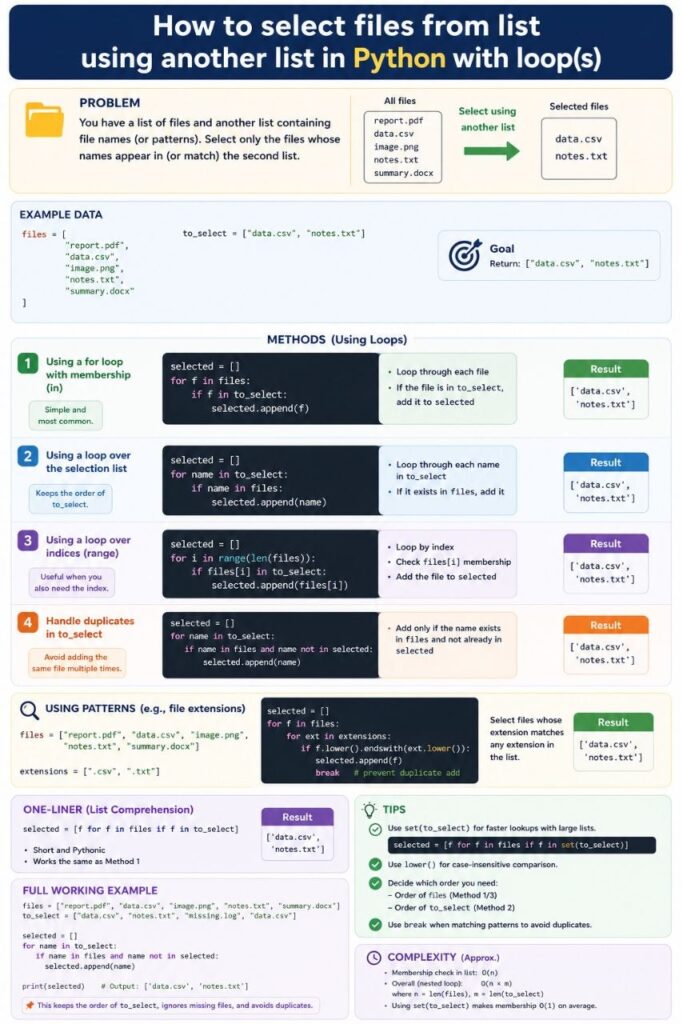
Infographic
Conclusion
Selecting files from one list using another list in Python is simple and powerful. You can use:
- Basic
forloops for beginners - Nested loops for custom logic
- List comprehensions for cleaner code
Learning these techniques will help you build better automation and file-handling scripts in Python.
Happy Coding!