When working with decimal numbers in Java, you often need to round a double value to two decimal places. This is especially common in financial applications, reports, pricing calculations, and user interfaces where long decimal values can be difficult to read.
In this tutorial, you’ll learn several ways to round a double to two decimal places in Java.
Why Round Decimal Numbers?
Consider the following value:
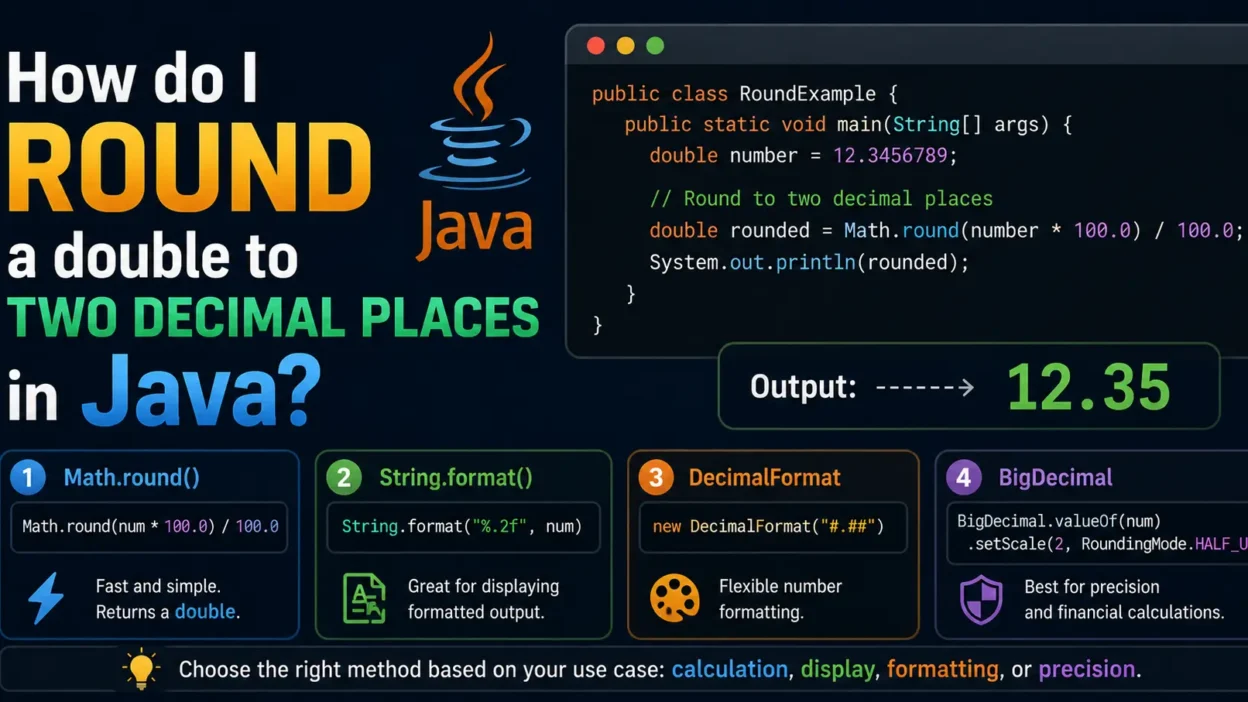
double number = 12.3456789;
Displaying all decimal digits may not be desirable. Instead, you may want:
12.35
Rounding makes numbers cleaner and easier to understand.
Method 1: Using Math.round()
One of the simplest methods is using Math.round().
double number = 12.3456;

double rounded = Math.round(number * 100.0) / 100.0;

System.out.println(rounded);
Output
12.35
How It Works
- Multiply by 100
- Round to the nearest whole number
- Divide by 100
Example:
12.3456 × 100 = 1234.56
Math.round(1234.56) = 1235
1235 / 100 = 12.35
Method 2: Using String.format()
If you only need formatted output, use String.format().
double number = 12.3456;

String result = String.format("%.2f", number);

System.out.println(result);
Output
12.35
Benefits
- Easy to use
- Great for displaying values
- Common in reports and UI applications
Method 3: Using DecimalFormat
Java provides the DecimalFormat class for number formatting.
import java.text.DecimalFormat;

public class Main {
    public static void main(String[] args) {

        double number = 12.3456;

        DecimalFormat df = new DecimalFormat("#.##");

        System.out.println(df.format(number));
    }
}
Output
12.35
This method is useful when formatting many numbers consistently.
Method 4: Using BigDecimal
For financial calculations, BigDecimal is usually the best choice.
import java.math.BigDecimal;
import java.math.RoundingMode;

public class Main {

    public static void main(String[] args) {

        double number = 12.3456;

        BigDecimal bd =
            new BigDecimal(number);

        bd = bd.setScale(
            2,
            RoundingMode.HALF_UP
        );

        System.out.println(
            bd.doubleValue()
        );
    }
}
Output
12.35
Why Use BigDecimal?
- High precision
- Avoids floating-point errors
- Preferred for money-related applications
Comparing the Methods
| Method | Returns | Best For |
|---|---|---|
| Math.round() | double | Quick rounding |
| String.format() | String | Displaying values |
| DecimalFormat | String | Formatted output |
| BigDecimal | Precise number | Financial calculations |
Common Mistake
Many developers try:
double number = 12.3456;

System.out.println(number);
Output:
12.3456
This does not round the value.
You must explicitly apply formatting or rounding logic.
Example: Price Formatting
Suppose you’re displaying a product price:
double price = 199.999;
Using:
System.out.printf(
    "%.2f",
    price
);
Output:
200.00
This provides a cleaner user experience.
Best Practice
For most applications:
double rounded =
    Math.round(value * 100.0)
    / 100.0;
For financial systems:
BigDecimal
is generally the safest and most accurate choice.
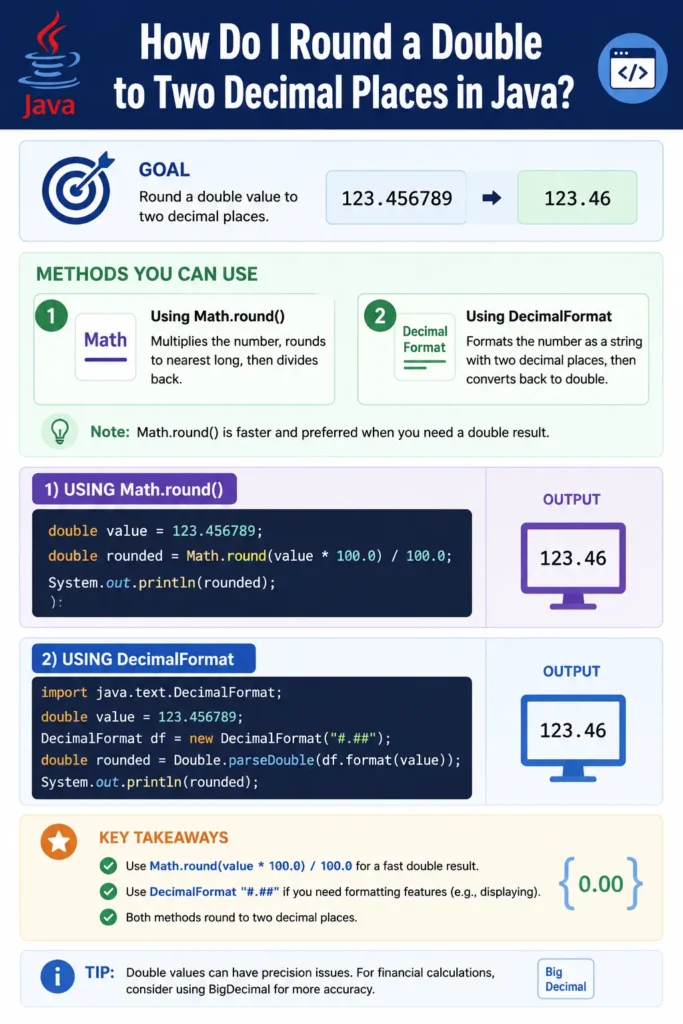
Infographic
Conclusion
There are several ways to round a double to two decimal places in Java:
Math.round()for quick calculationsString.format()for displaying valuesDecimalFormatfor formatting outputBigDecimalfor precise financial calculations
The best method depends on whether you need a rounded number for calculations or simply want to display it in a user-friendly format.
Happy Coding!